
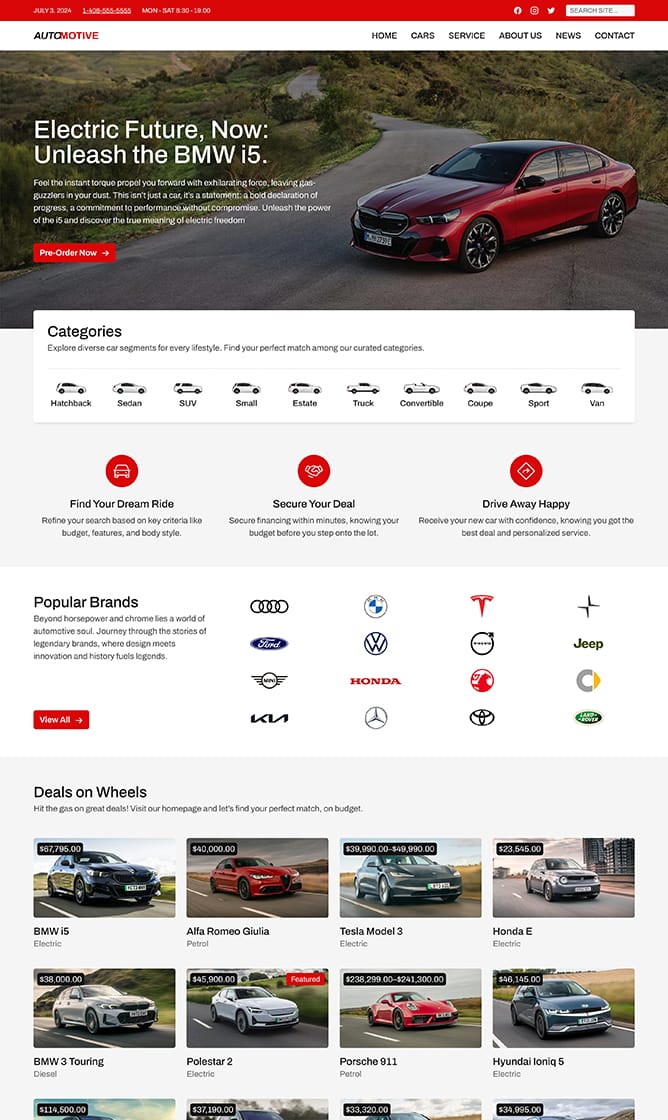
Automotive
Page Builder:
Elementor, Gutenberg, WPBakery
Ideal for:
Automobile, Cars, Motors, Shop
Included Plugins:
Advanced Custom Fields PRO, Greenshift, WooCommerce, WPForms
Features
Check out the main features that make this starter site useful and easy to work with.
One-Click Install
Get started by importing the entire site with just one click.
Fast Loading Times
Quick load times with optimized performance for all.
SEO Friendly
Built with SEO in mind to rank higher on search engines.
Easy Customizable
Easily adjust colors, fonts, and layouts to match your brand.
Mobile-Friendly Design
Seamless browsing across all phones, tablets, and desktops.
Accessibility Optimized
Designed for everyone, no matter their needs.
Related Starter Sites
Explore other starter sites that might fit your project
-
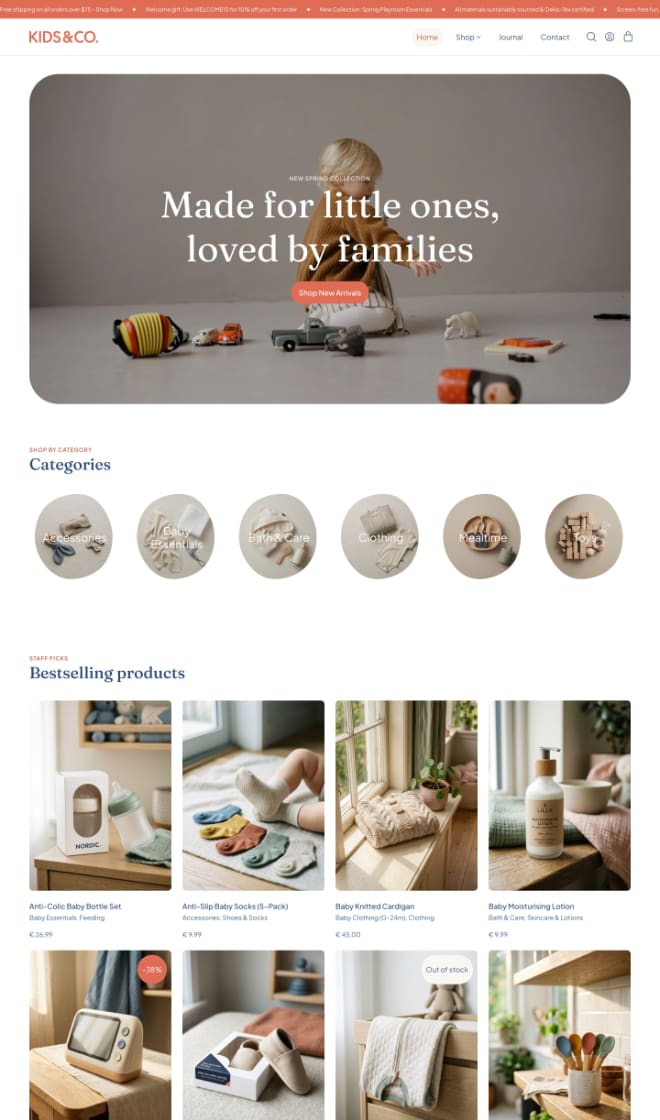 Baby, Children, Ecommerce, Kids, Shop, Toys
 -
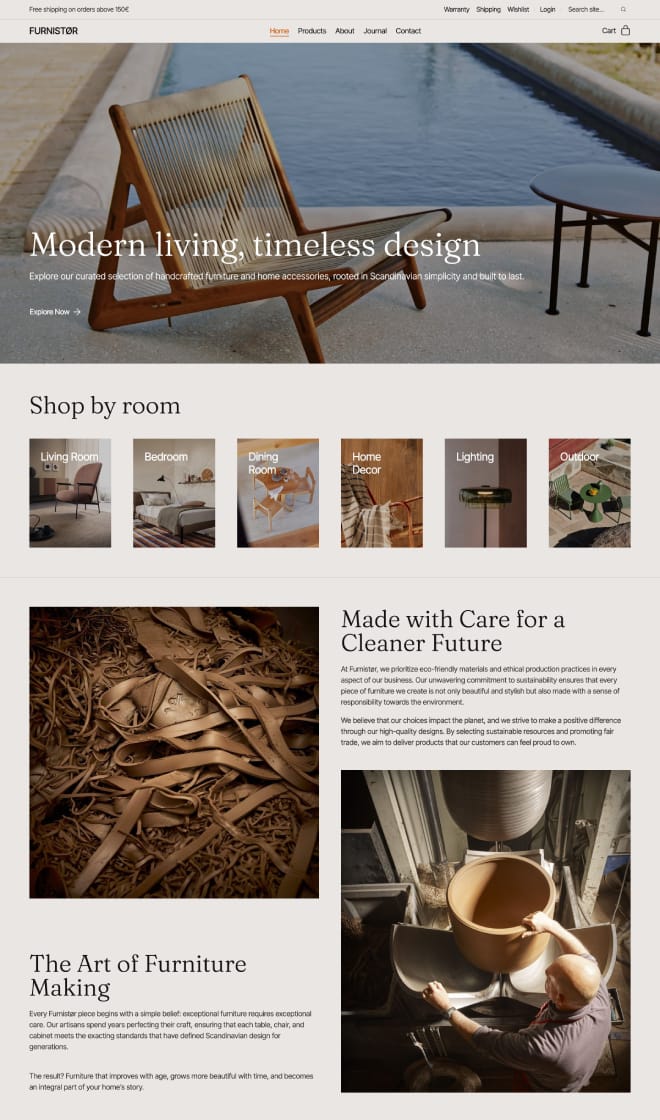 Ecommerce, Furniture, Home Decor, Shop
 -
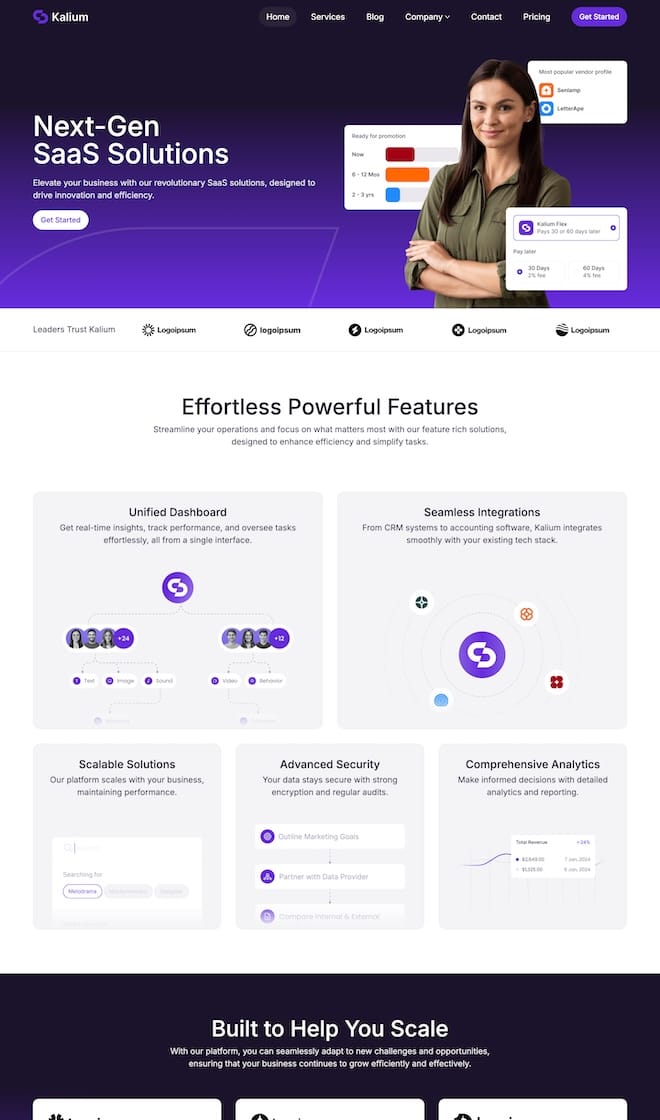 Business, Consulting, Corporate, SaaS, Startups
 -
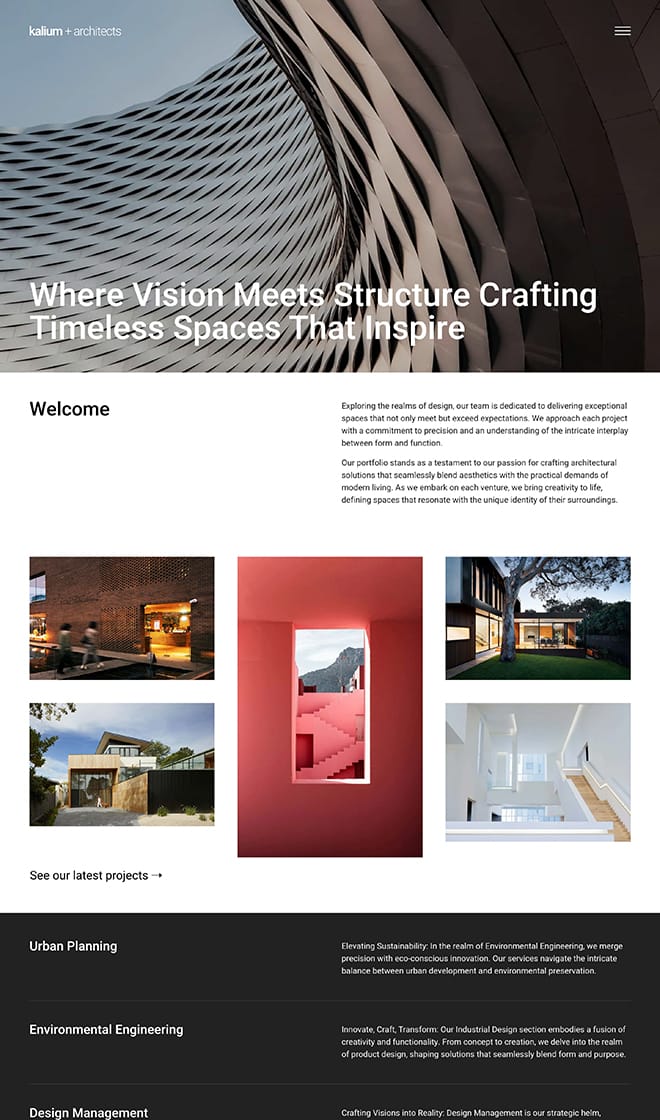 Architects, Design, Interior
Questions and Answers
Find answers to common questions about this site. If you need more help feel free to ask us via the chat.
Can I see how a starter site will look before I use it?
Yes! You can preview any starter site directly in your browser by clicking the Preview button to explore and see how it looks and functions before importing it.
How do I import a starter site?
It’s simple. After installing the Kalium theme, head over to the starter sites section in your Kalium dashboard. Or check out the documentation article and video tutorial to import it properly.
Can I customize the starter site to match my brand?
Absolutely. Once imported, you can adjust colors, fonts, and other design elements to fit your brand using the WordPress customizer or the page builder.
What if I like a starter site’s design but it doesn’t match my industry?
No problem! You can still use any starter site, regardless of its intended industry. Simply replace the content with your own to align it with your business or project.
Can I use a starter site on an existing website with content?
Yes, but we recommend creating a staging environment if you're trying it on a live site to test the import without impacting your existing site.
Do starter sites include all the necessary plugins?
Yes, the required plugins will be installed automatically during the import process. If a starter site relies on specific plugins, they’ll be included so you won’t need to worry about searching for them.
Can I switch to another starter site later?
Yes, you can switch to another starter site at any time. However, importing a new starter site will override the previous design, so we recommend uninstalling previous starter site and then importing the new one.